

Lens Protocol
Airdrop (Retrodrop)
past
04 Apr, 25 - 30 Nov, 25
Lens Protocol is an open social network where users own their content and connections. Developers can build apps on it, with platforms like Lenster, Phaver, Lensport, and others already live.
Since April 2025, Lens Protocol has launched its mainnet, where you can interact with the protocol and with its ecosystem and gain reputation points. Hence, we decided to prepare a step-by-step guide on how to join the potential Lens Protocol airdrop.
Lens Protocol - Airdrop (Retrodrop) Overview
How to join Lens Protocol - Airdrop (Retrodrop)?
To participate in the Lens Protocol Airdrop, start by visiting the website and adding the Lens Mainnet to your wallet. Then go to the Lens Bridge and get some $GHO tokens: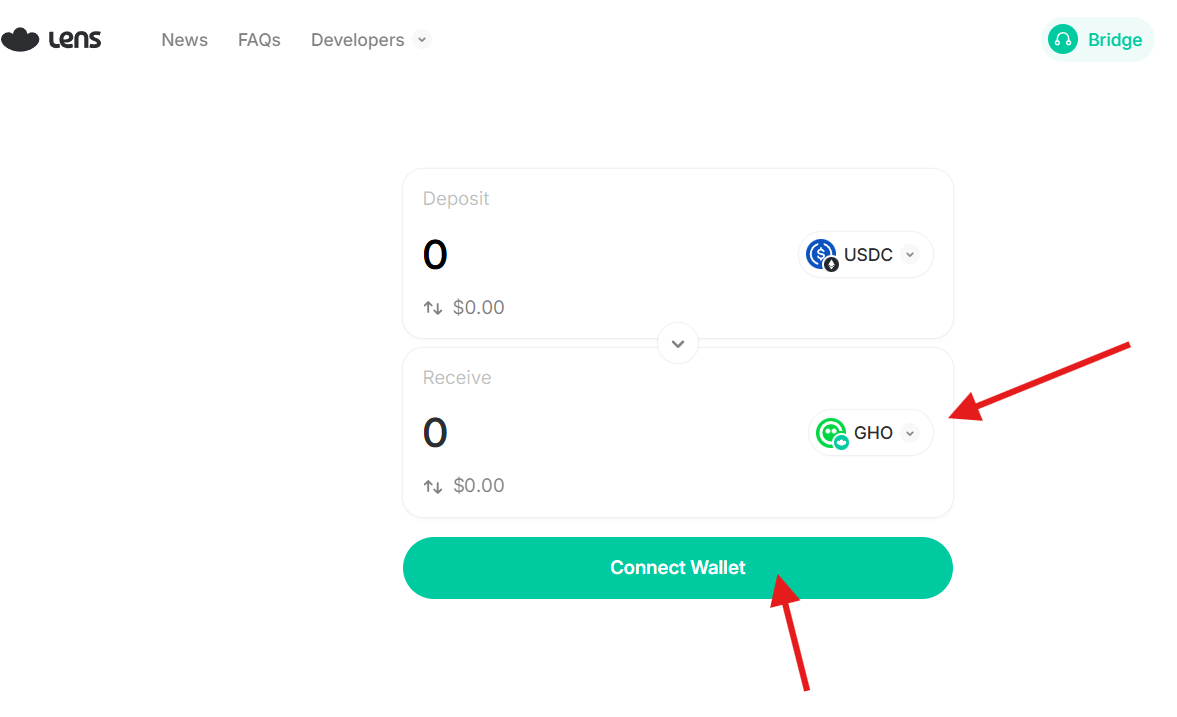
To get more chances to qualify for the airdrop, you can deploy tokens on the Lens Network. To start, go to ThirdWeb and log in with your wallet or email: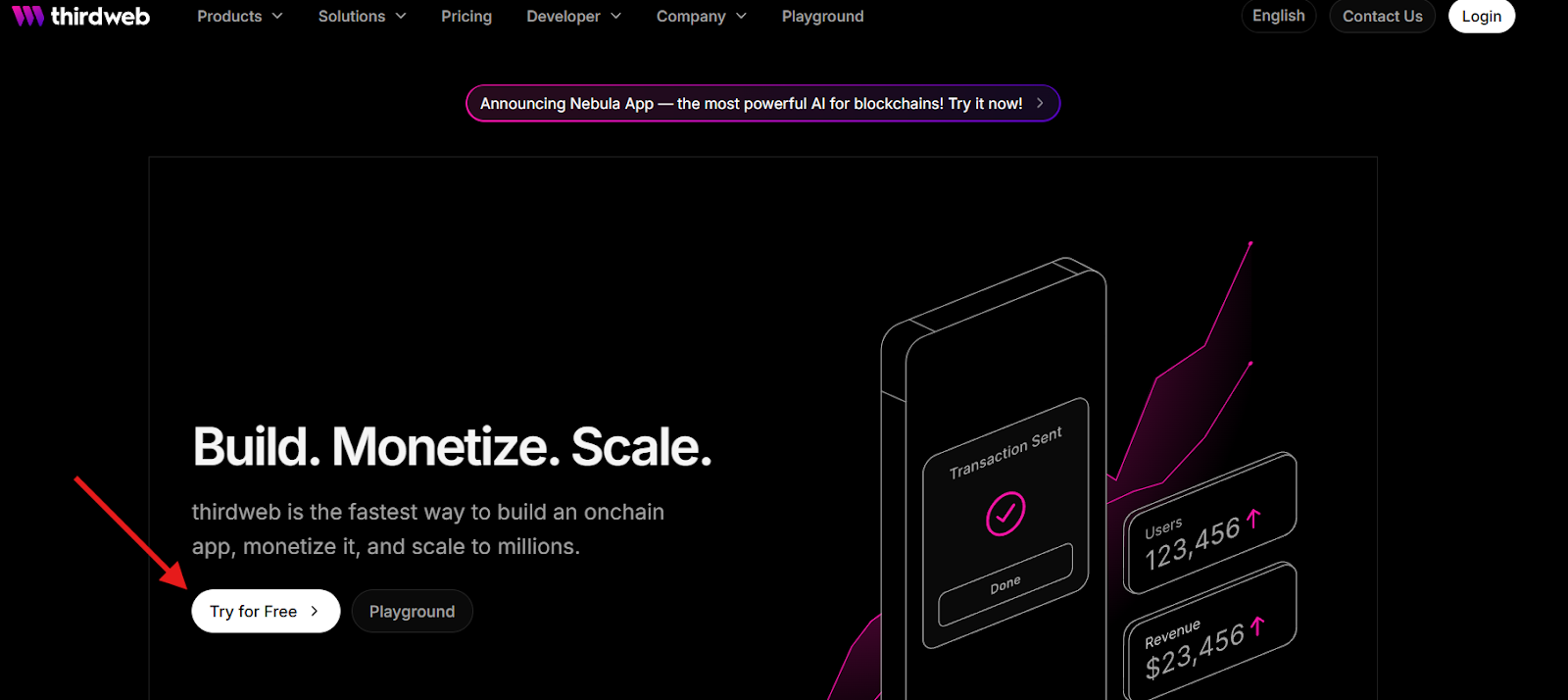
Then, follow the link and navigate to the Token section. In the window that opens, click "Deploy Now".
If you don’t already have a project, create one first, then go to Contracts - Deploy Contracts.
Next, fill in the token details and select Lens Mainnet as the network. Under the Token tab, you can:
- Mint your tokens;
- Burn a portion of them;
- Transfer tokens to any wallet address;
- Or use the Airdrop feature to send tokens to multiple wallets at once.
Track and mint your Reputation Score you can via the website.
Good Luck! 🍀
Step-by-step Guide
Add the Lens Mainnet to your wallet;
Get some $GHO tokens;
Deploy tokens on the Lens Network;
Track and mint your Reputation Score you can via the website;
Wait for official announcements about Airdrop distribution;
Claim rewards.