

Gensyn
Airdrop (Retrodrop)
past
31 Mar, 25 - 01 Mar
Gensyn AI is a Layer-1 trustless system for deep learning that immediately rewards contributors for providing compute resources and executing ML tasks. It functions without centralized control, relying on smart contracts to handle task distribution and payments autonomously.
Since March 2025, Gensyn has launched its testnet, where users can run nodes and complete other activities. Hence, we decided to prepare a step-by-step guide on how to join the Gensyn airdrop.
Gensyn - Airdrop (Retrodrop) Overview
How to join Gensyn - Airdrop (Retrodrop)?
To participate in the Gensyn Airdrop, you need to go via the link and install the node using the official guide.
How to Run RL Swarm
The easiest and most reliable way to run RL Swarm is by using Docker.
This ensures a consistent setup across all operating systems and minimizes dependency issues.
Step 1 – Clone the repository
First, download the RL Swarm repository to your local machine by running the following command in your terminal:
git clone https://github.com/gensyn-ai/rl-swarm
Then, navigate into the newly created folder:
cd rl-swarm
Step 2 – Install and configure Docker
Make sure Docker is installed and the Docker daemon is running on your machine.
If you don’t have it yet, follow the official installation instructions for your operating system on the Docker website.
It’s also important to allocate enough memory for Docker containers.
If you’re using Docker Desktop, go to:
Settings → Resources → Advanced → Memory Limit
and increase the memory to the highest available value.
This ensures that RL Swarm runs smoothly without resource issues.
Step 3 – Start the Swarm
If you are using a computer with only CPU support (for example, a Mac or a non-GPU system), run:
docker-compose run --rm --build -Pit swarm-cpu
If your machine has an officially supported GPU, run instead:
docker-compose run --rm --build -Pit swarm-gpu
Step 4 – Troubleshooting Docker Compose
In some environments (especially Ubuntu), the command docker-compose may not work because newer Docker versions use docker compose without a hyphen.
If you encounter this issue, simply replace docker-compose with docker compose in the commands above.
For example:
docker compose run --rm --build -Pit swarm-gpu
Step 5 – Login
A browser window will pop open automatically.
- If you’re on a VM, manually open: http://localhost:3000/
- Click Login.
- Log in using your preferred method.
Also, you can follow the community guide with video instructions available.
Afterward, go to the website, generate an image, share it on X, and mention Gensys: 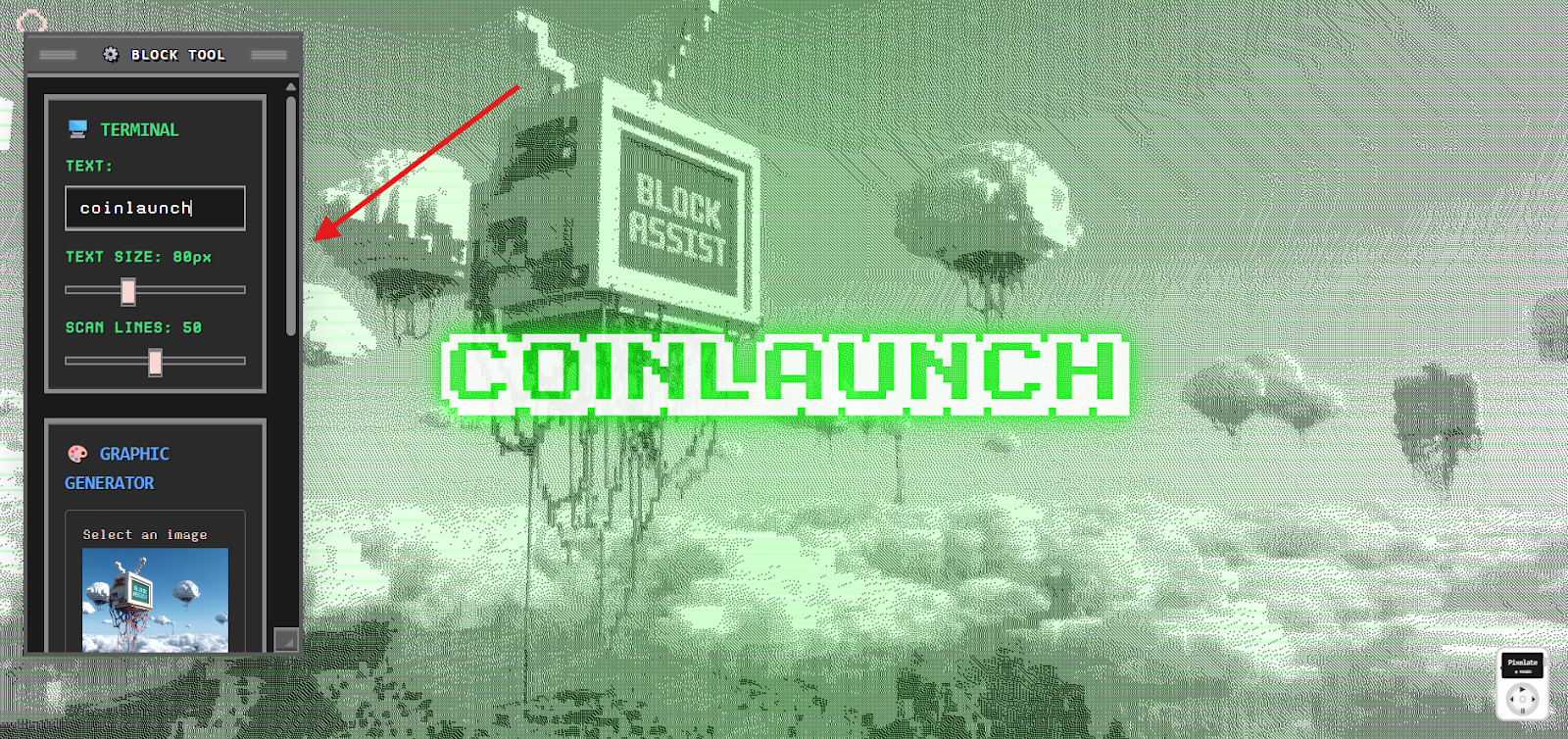
Good Luck! 🍀
Step-by-step Guide
Install Node using the official guide or a guide from the community;
Go to the website, generate an image, share it on X, and mention Gensys;
Wait for official announcements about Airdrop distribution;
Claim rewards.